softosaur

Prepared from documented information
You can be a Jira board admin and still find that the column cannot be edited where you expect. Before requesting more permissions, check how the board groups workflow statuses. A column can contain several statuses, and its name does not have to match any of them.
That distinction became a real usability problem in the Jira Autumn Release discussion. Julia Foden described an administrator interpreting an “Advanced” column-configuration message as a permissions problem. Her comment is evidence of confusion, not a test of every customer’s board. Atlassian is still rolling out the features. Its continuous release track should receive them by the end of November; customers who receive updates in bundles are scheduled for December and January.
Two statuses can share one column
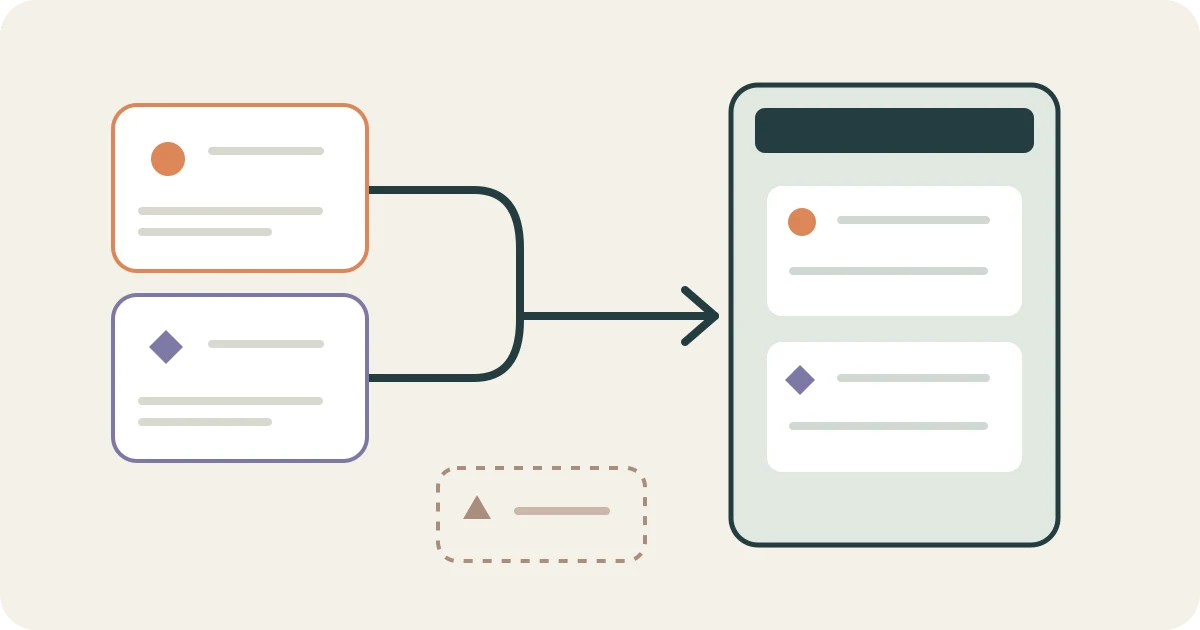
Imagine a team that uses Code review and QA review as separate statuses but shows both under a column called Review. This is a hypothetical example. The board gives the team a compact overview, while each task retains its more precise stage.
The workflow defines statuses and the transitions between them. Column mapping decides where those statuses appear on a particular board. Renaming Review to Checks would change the heading people read; it would not, by itself, define a new transition from code review to testing. Decide which of those two things you actually want to change.
Find the settings for this board
For a company-managed software board, Atlassian’s current column documentation describes both interfaces. In the new view, open the board’s More actions menu and choose Configure columns. The classic path is Board settings, then Layout and Columns. Board configuration requires a board admin or an administrator of the space where the board is located. The current board-filter documentation distinguishes single-space boards with the new view from multi-space boards that retain the classic view.
An absent inline control does not, on its own, tell you whether the problem is your role or the board’s configuration. Check both before asking an administrator to change access. Do not replace a useful two-status Review column with a simpler workflow just to recover a convenient editing control.
Team-managed boards have their own columns and statuses rules: multiple statuses in one column, or different column and status names, separate their configuration from direct board editing. Those instructions concern team-managed spaces; use the company-managed documentation for the board described here. Similar-looking screens do not make the administration models identical.
A missing card needs a separate check
Suppose the hypothetical QA review task can be opened, but its card is absent. First record the task’s actual status and the board you are looking at. In company-managed boards, a status that is not assigned to a column hides its tasks from both the board and the backlog. Removing the Review column can therefore hide work without deleting the tasks.
Mapping is only part of the explanation. The board’s JQL filter chooses which tasks belong on that board at all. Putting QA review under Review will not make a task appear if it falls outside that filter. Inspect the selection and the mapping separately; a missing card is not proof that Jira lost the task.
Keep completion meaningful
For these company-managed boards, the rightmost column matters: Jira treats tasks there as complete. A status name alone does not establish completion for the board. Moving a column purely to tidy the layout can therefore change how the board represents finished work. Agree where Code review and QA review belong before making that change.
When escalating the problem, send the board link, a task key, its current status, the expected column and the controls you can see. That gives an administrator something specific to investigate. The next question is whether the task is excluded, has nowhere to appear, or is being treated as complete. Each answer points to a different setting.