softosaur

Prepared from documented information
The GitHub Copilot app can now work with repositories, issues and pull requests hosted on GitHub Enterprise Server (GHES). For a team using its own GitHub server, setup still raises two questions: which account opens the repository, and which service supplies the model?
GitHub made GHES support generally available on 13 November, for app version 1.2.0 and later. The announcement also sets a clear limit: cloud sessions are unavailable for GHES.
Start with the work you want to finish
Suppose a developer wants to read an issue on the company server, ask for a proposed change, and inspect the diff—the changed lines—before sending it for review. That is a hypothetical workflow, not a test we ran. The app must reach the issue, the model must answer, and the developer must be able to inspect the proposed changes.
An earlier reader discussion describes a related problem: repositories behind a company firewall, Copilot accounts in a separate organization, and a wish for agent-assisted pull-request review. The question predates this release. Those are two parts of the job: give the tool access to the issue and code, then decide how its proposed changes will be reviewed. The discussion does not establish which steps the new app automates.
The two accounts have different jobs
The GHES sign-in instructions begin with a GitHub.com or GHE.com account. After that, open Settings, choose Accounts, add a GitHub Enterprise Server account and complete the browser authorization.
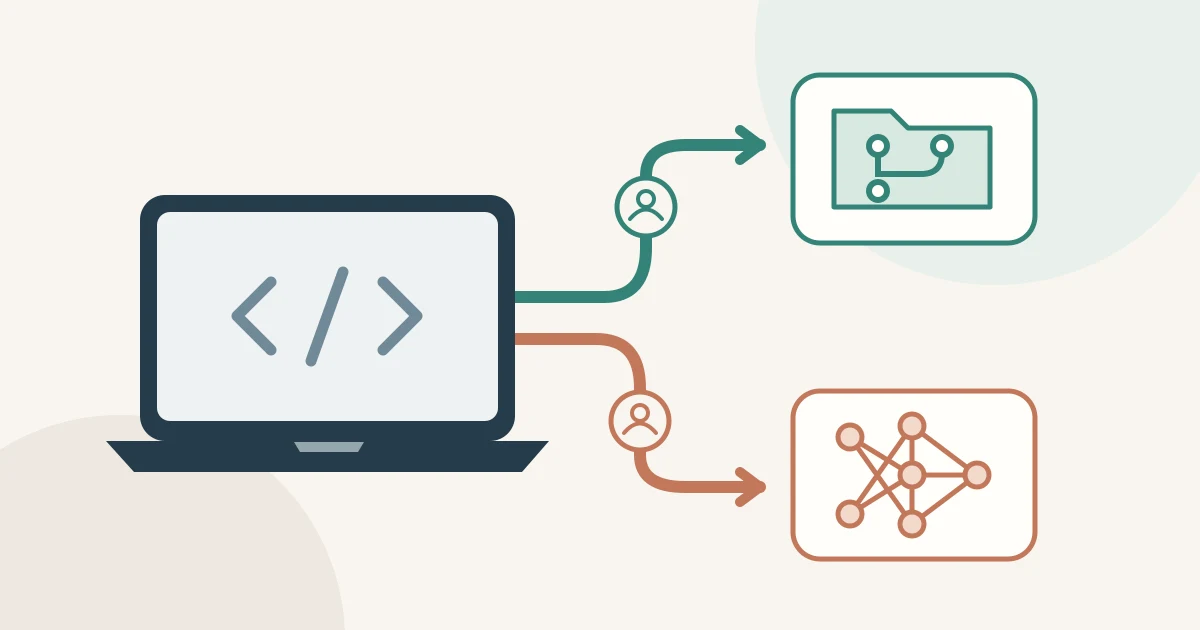
The server account lets the app reach the GHES work that account is allowed to access. The model needs its own authorization. To make requests, the same instructions say to remain signed in to a cloud account with a Copilot license, or configure your own model provider.
In the issue-and-diff example, check both that the app can open the issue and that the chosen model can answer a request. Opening the issue confirms access to that issue; it does not confirm that a model request will succeed.
Choose where the model comes from
The app’s model-provider documentation lets you connect a model hosted locally or supplied through a cloud service. This option is in public preview and may change. GitHub says users still need a GitHub account, but do not need a Copilot plan when using their own provider.
Using your own provider removes the stated Copilot-plan requirement; it does not tell you the provider’s price. Confirm which provider and model the app will use before sending company material. Signing in to GHES does not select or approve that service.
A local session and a local model are different choices
The general session guide distinguishes work on this computer from a GitHub-hosted cloud sandbox. It also lets users select a model independently. The practical consequence is that working on your computer does not tell you where the selected model runs. For GHES, the release’s specific cloud-session restriction still applies.
For the issue-and-diff example, write down the server account, selected model provider and where the session will run. Try a small, agreed task and inspect the changes before extending the workflow. If the intended result is a task that runs in a GitHub-hosted cloud session, this release does not provide that option for GHES. For local work, the test should establish whether the app can follow your issue-to-diff process with the accounts and model you intend to use.