softosaur

Prepared from documented information
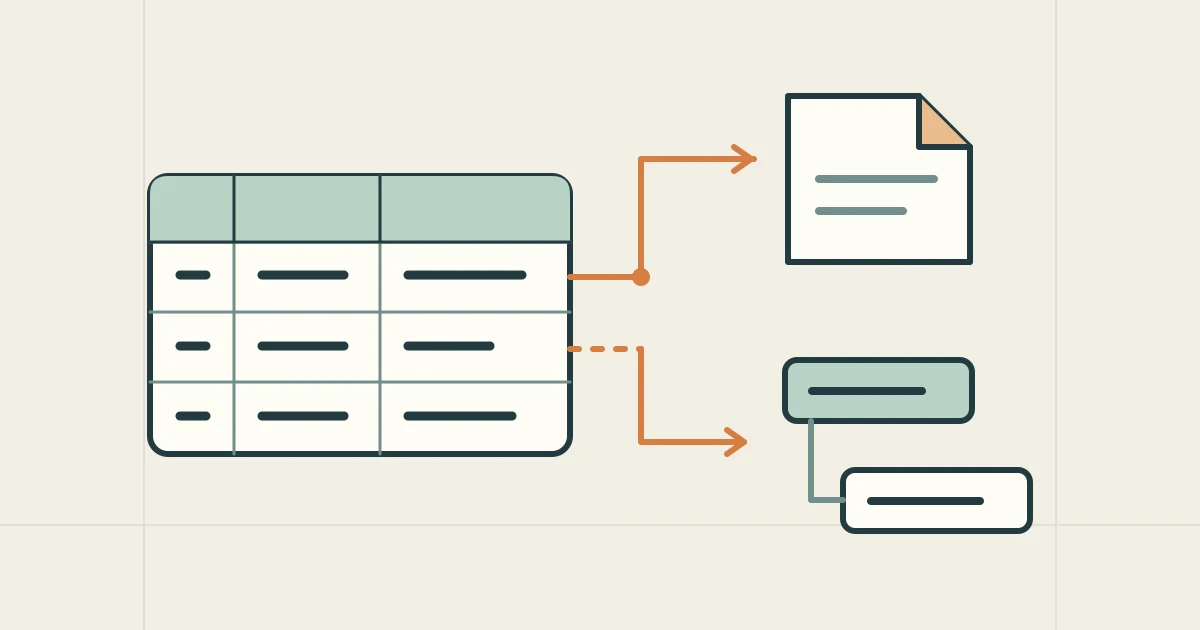
A Jira CSV export gives you a file you can inspect. A useful migration gives your team work it can continue. The gap becomes visible when a task arrives without a readable attachment, the context of a discussion, or its connection to a parent task.
For a team planning a move, the useful starting point is a small acceptance set: selected work items whose important content and relationships can be checked in the destination. Agree on what must survive before choosing the transfer route. The method below is an editorial evaluation framework, not a report of a migration we performed.
What a Jira CSV export proves
Atlassian’s Jira Cloud guide documents comments in CSV exports and distinguishes attachment URLs from a bulk download of the physical files. Treat a row, a file and a relationship as separate objects in your plan.
The destination matters too. Jira Cloud’s CSV import documentation separately describes attachment access and parent–child mapping. A successful export therefore establishes an input for evaluation; it does not establish the behavior of a different product’s importer.
A row showing an attachment address can be entirely correct while telling you little about where the file will live after the move. Similarly, a comment’s text and its usefulness in a conversation are different acceptance questions. The result your team needs should decide which details matter.
Build a small migration acceptance set
Choose examples because they exercise different kinds of work, rather than selecting only the easiest tasks. The following is a proposed sample, with no claim that it represents a real customer or a completed test.
| Example to include | Evidence to look for in the destination |
|---|---|
| A straightforward task | The intended title, description, owner and state remain understandable. |
| A task with a discussion | Required comments retain the context your team needs to follow the decision. |
| A task with a file | The intended file can be opened through the agreed destination workflow. |
| A parent and its child task | The relationship is navigable and has the intended meaning. |
| A task with an unusual field | The value has an agreed destination instead of being silently dropped. |
Define the expected result next to each example. “File preserved” is ambiguous if one person means a surviving URL and another means a destination-owned copy. Record that distinction before the sample is moved.
Reconcile meaning as well as totals
Imagine a sample containing 12 work items, two parent–child relationships and three files. These are hypothetical numbers. Finding 12 rows after import answers only the first counting question. The relationships and files still need their own evidence.
Keep a source identifier beside its destination identifier, the expected result and the observed result. An unchecked field stays unchecked; it should not become a pass because the import produced no obvious error. If an exception is acceptable, write down the reason and who accepted it.
This also makes a useful demonstration request. A supplier can show what happens to the same representative work items, rather than presenting a clean example that avoids your difficult cases. The comparison then concerns usable work, not merely supported file extensions.
Let the result determine the migration route
Jira Cloud backups are a separate route with stated exclusions, including third-party app data and automation flows. A backup is not a universal interchange format for another vendor’s product.
The right route depends on the behavior you need to preserve and the evidence the sample provides. Straightforward records may need little transformation; richer work may justify a connector, a more deliberate mapping exercise or a different transition plan. This framework does not select one for you without that evidence.
When comparing work-management software, keep the acceptance set beside the requirements for the next system. A product that suits tomorrow’s workflow still needs a credible way to receive the work your team already has.