softosaur

Prepared from documented information
In February, a GitHub user asked why a priority already set on an issue could not be added to a project view. They clarified that it was an issue field in their organization’s Planning settings. The visible thread does not establish the cause or a current bug, but it captures a useful question: where does this value belong?
GitHub’s changelog dated November 11 says issue types and issue fields are generally available for personally owned repositories. That brings the same question to personal accounts. A field attached to an issue and a project column can have the same name while serving different purposes.
Give each value a job
The distinction is easier to see before creating another column named Priority:
| Item | What it describes |
|---|---|
| Issue type | The kind of work, such as a bug, task or feature. |
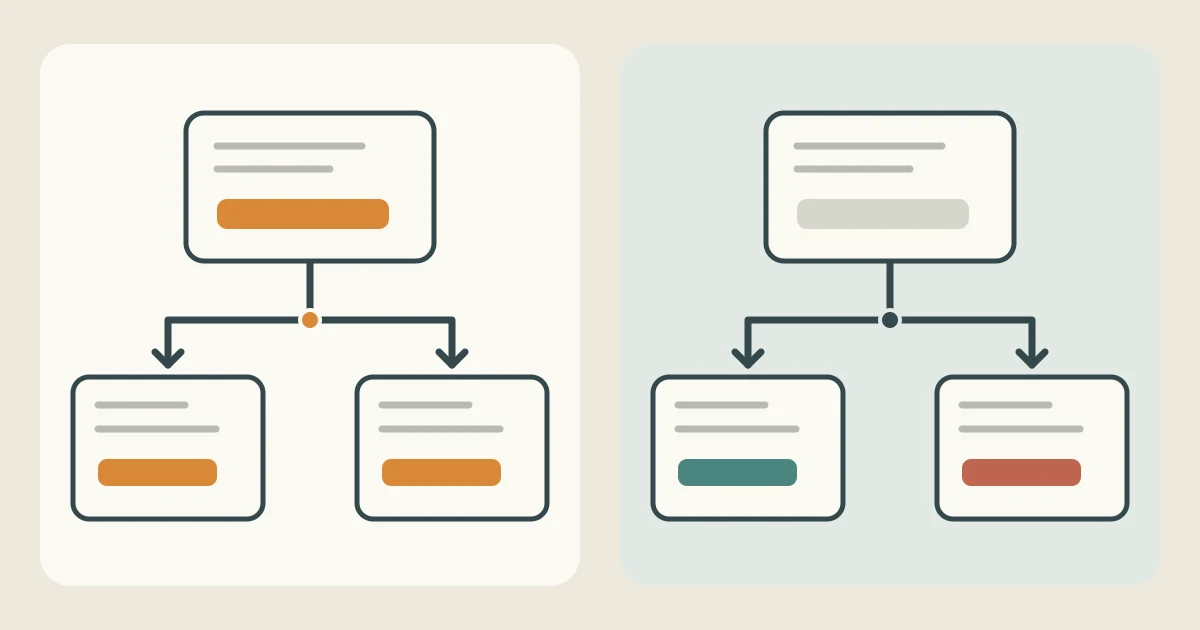
| Issue field | One value on the issue, displayed in more than one project. |
| Project field | A value for that project; the same issue can have a different value elsewhere. |
Issue types are managed in the owner’s Planning settings. Two bugs can have different priorities. Classifying both as Bug does not decide which one to work on first.
Decide whether the priorities should match
Consider a hypothetical issue included in a release plan and a maintenance backlog owned by the same account. If Priority means one agreed urgency for the issue, an issue field keeps that meaning across both views. Editing its value from a project updates the issue, according to the project documentation.
If the release plan instead records where the work sits in that release’s queue, a project field can express that local decision. The maintenance plan may reasonably put it in another position. Different values are then intentional.
Name the two concepts clearly—for example, issue urgency and release order. Keeping both columns called Priority invites people to compare values that answer different questions.
Read an empty cell in context
The same documentation limits issue fields to issues owned by the same user or organization. Cells are empty for pull requests, draft issues and issues owned elsewhere. That is a documented scope limit, rather than evidence that every item has lost its planning data.
Field visibility also matters: new and existing fields default to Restricted, while public and internal projects display only Public fields. Check the intended audience and field setting before treating an absent column as a missing value.
Start with one issue and two intended project views. Decide which information should agree everywhere, give local information a distinct name, and check the item’s owner and visibility. This is a documentation-based explanation; no GitHub account was configured or tested for the article.