softosaur

Prepared from documented information
Firefox profiles keep separate local collections of browsing data. Sync shares the data types you choose through a Mozilla account. If you want work bookmarks on two computers while keeping personal bookmarks elsewhere, plan both the profiles and the accounts. Naming a profile Work does not create a separate collection inside your Sync account.
A Mozilla Support question from July 2021 captures the expectation clearly: the author wanted one account to carry independent work and personal bookmark sets. The replies explained why the data combined. That is a historical reader question, not evidence of a new Firefox 160 defect.
Two computers, two bookmark collections
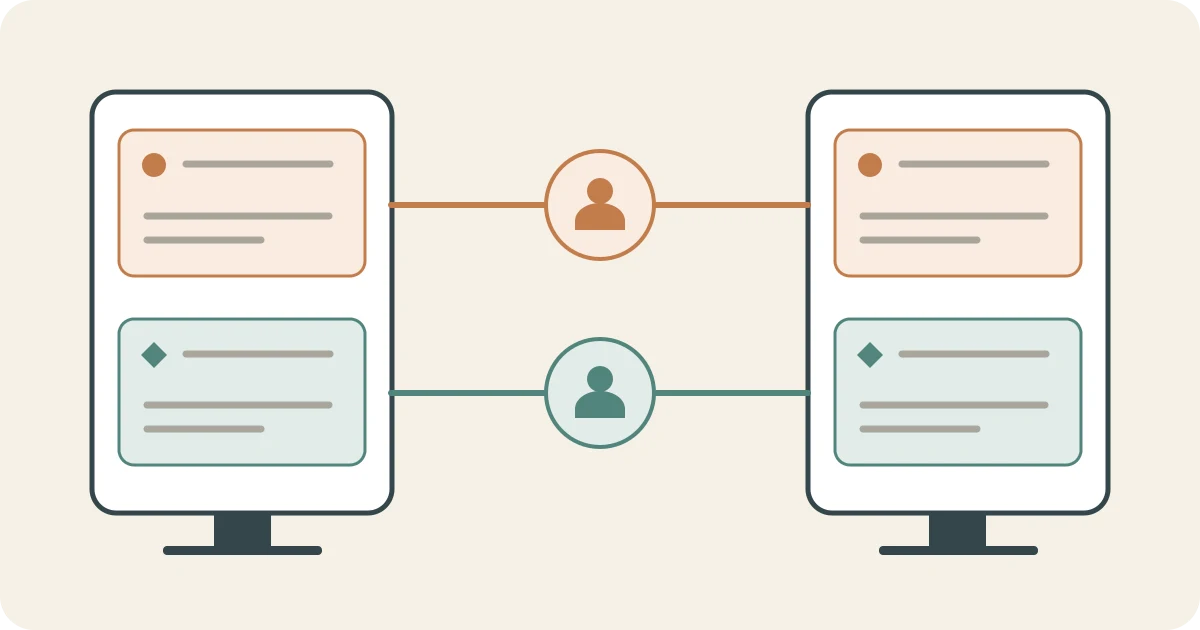
Imagine a laptop and a desktop, each with a Work profile and a Personal profile. This is a hypothetical setup, not one tested by Softosaur. The desired result is four local profiles arranged into two groups: work bookmarks travel between the two Work profiles, and personal bookmarks travel between the two Personal profiles.
Mozilla’s Sync explanation describes a combined collection linked to an account. Renaming a profile does not split the account’s bookmarks into separate collections. For two independently synchronized collections, plan a separate account for each group. Profile labels do not tell Sync which collection to use. A local profile can also remain signed out if its data does not need to travel to another device.
The new profile menu has an account restriction
The current profile-management documentation says new profiles start locally and do not automatically sign in or enable Sync. It also says the new system prevents the same Mozilla account from being used in multiple profiles on one device, to avoid accidental merging.
A May 2026 support discussion shows a user encountering that restriction after trying both the classic about:profiles page and the newer menu. Those two interfaces have different behavior. An older guide may describe classic profiles; check which manager it covers before applying its account instructions. Decide which data should be shared before connecting the account.
A bookmark folder is not a separate Sync collection
In the Sync settings guide, bookmarks, history, passwords and other data types are separate choices. Choosing Bookmarks does not select just the folder called Work. A profile label and a bookmark-folder name are not separate Sync destinations.
Version matters when changing these choices. With Firefox 160 selected, the guide describes a dialog for all connected devices. The same help page contains a different explanation for desktop Firefox 162 and later: choices apply to each installation. As checked on November 15, the stable release index leads with 160. Do not apply the 162-specific instructions to 160. Neither wording turns one account into two independent bookmark collections.
Choose profiles or containers for the actual task
Profiles suit separate local bookmarks, extensions and browsing environments. Multi-Account Containers keep separate website logins and cookies within one profile; they do not supply independent bookmark or extension collections. The profile-management article also limits the profiles feature it describes to desktop Firefox, rather than Android or iOS.
Even profiles do not make every preference independent: Mozilla says Data Collection and Use settings apply across profiles on the same device. A separate profile therefore does not let you change every preference for that profile alone.
Before moving work browsing between machines, write down each local profile, its intended bookmark collection, the Mozilla account it will use and the Firefox version. Resolve an unwanted connection before adding more devices. Deleting a profile or clearing data is not part of this planning exercise; this article does not describe recovery of already merged bookmarks.