softosaur

Editorial analysis
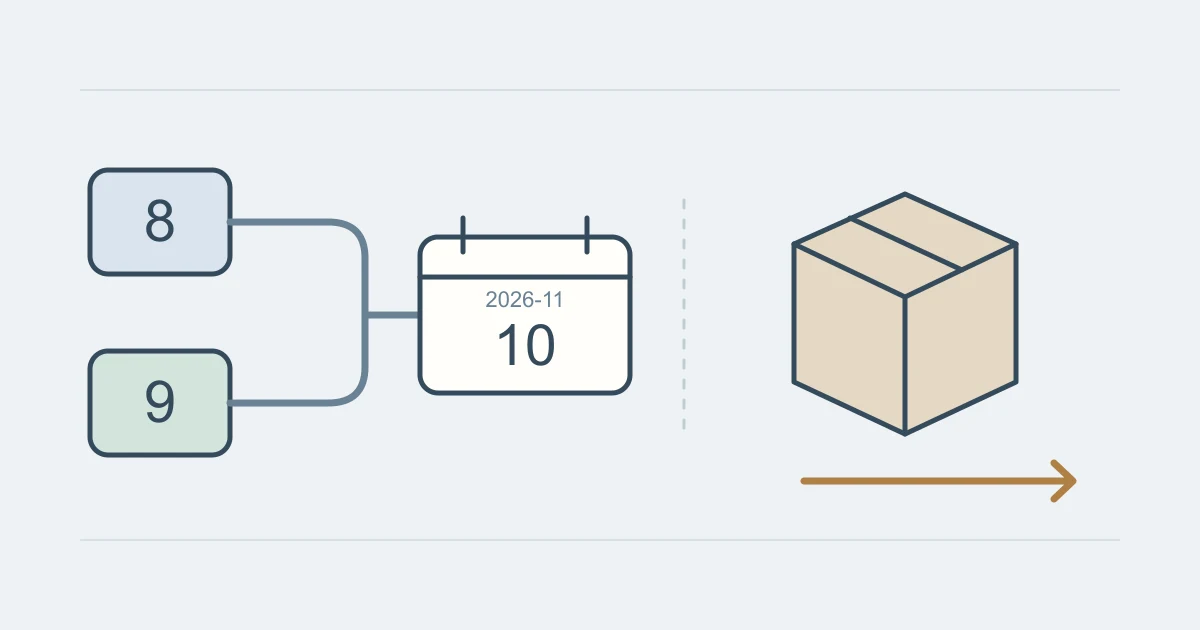
Microsoft’s .NET support policy lists November 10, 2026 as the end of support for both .NET 8, a Long Term Support release, and .NET 9, a Standard Term Support release. Moving from 8 to 9 therefore does not extend that listed support window.
If your company uses business software built on either release, ask the supplier which application update supports a newer .NET version and how you will receive it. Installing a newer runtime on the server may leave the application using the old one.
A newer runtime does not automatically move the app
Microsoft’s release documentation explains that major runtimes install side by side. By default, an application targeting a particular major version continues to use it when a newer major version is installed. Individual applications can have different configurations, so the default is a starting point for understanding the deployment, not a diagnosis of it.
If a supplier promises support for a newer .NET version in its next release, ask when that release will be available and how to install it. Also check whether it supports the components and settings your application uses.
Find out where the runtime travels
The official publishing guide distinguishes framework-dependent applications, which need a compatible separately installed runtime, from self-contained applications, which include their runtime. Updating the runtime in a self-contained application requires a new application release.
First check whether the application uses the runtime installed on the machine or includes its own copy. In the first case, confirm which runtime versions the application supports. In the second, ask for an updated application package. A list of machine-wide .NET installations will not tell you which runtime is bundled inside each application.
This article interprets published documentation. Softosaur has not inspected or tested a customer deployment, and the support date is not evidence that a particular application has stopped working.
Availability and delivery are separate milestones
In Start/Stop VMs v2’s public issue, users asked about delivery. A collaborator announced the .NET 10 version on November 6, 2026.
The November 6 reply explained how existing deployments could be updated. Users could then check whether their own installation had received the new version. An available release and an installed update are different things.
Ask for an application-level answer
A useful vendor response would connect four details:
- The application build intended for the deployment.
- The runtime that build uses and the configuration the vendor supports.
- How that application update is delivered.
- Who confirms that the intended update has reached the deployment.
These are editorial evaluation criteria, not a Microsoft-mandated form. For a hosted service, the provider’s service and update commitments are the relevant conversation; the article does not imply that a subscriber should change the provider’s runtime.
These dates apply to .NET 8 and 9; .NET Framework follows a separate lifecycle. Ask the supplier to name the application version you need, explain how to get it and agree who will verify the update. That is more useful than a general promise to support a newer .NET.