 softosaur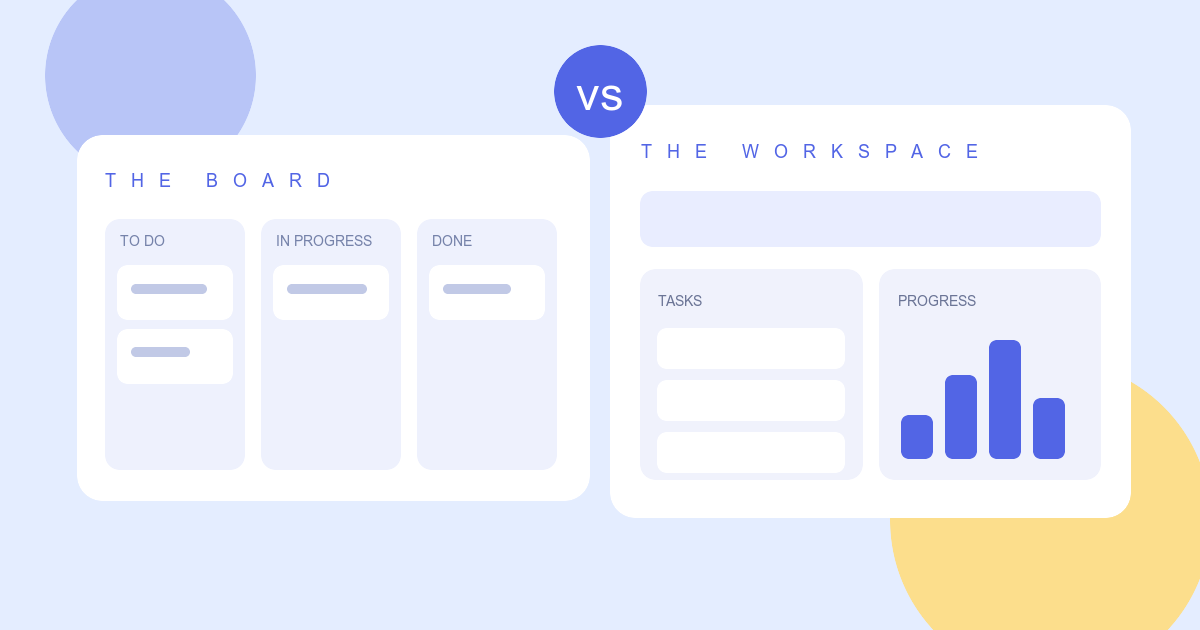
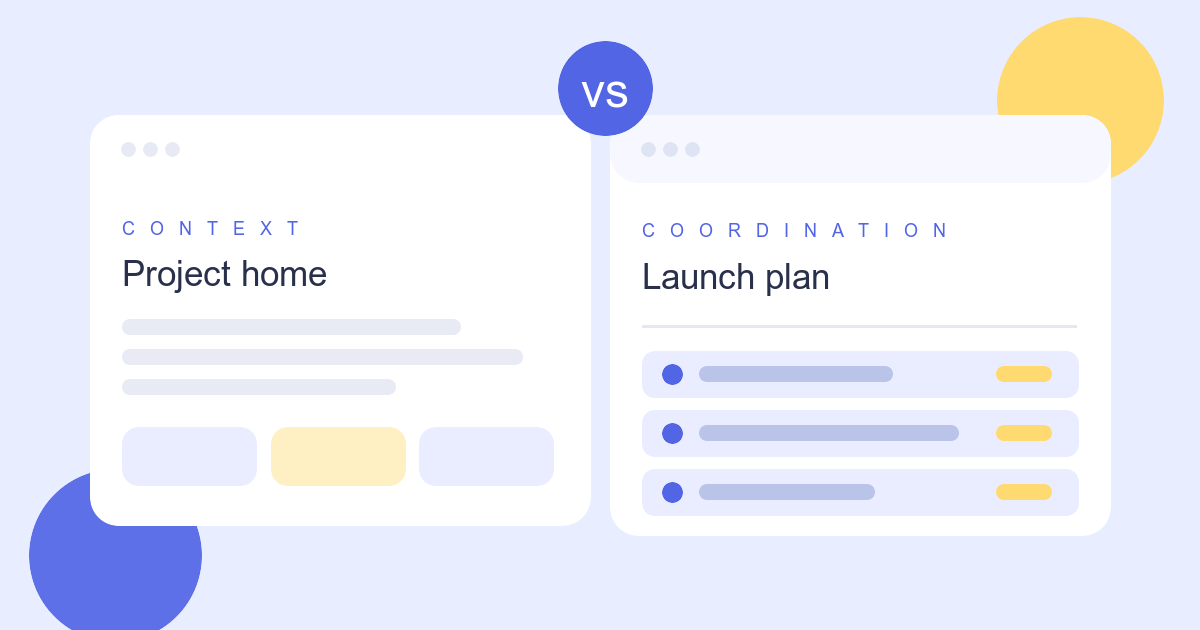
Trello and ClickUp can both show tasks on a board. The choice becomes clearer when you ask how much structure the team needs around that board.
This comparison uses the products’ published documentation. Availability and limits can vary by plan, so verify the exact setup you would use.
Where Trello starts
Trello’s basic model is easy to explain: a board holds lists, and lists hold cards. Moving a card through stages makes the flow visible. A small team can start with a shared board and add detail to cards as needed.
That simplicity is useful for an editorial calendar, a lightweight request queue, or a project with a few clear stages. When work spans many teams and needs consolidated reporting, test whether the views and add-ons available to your plan give enough oversight.
Where ClickUp starts
ClickUp Tasks connects assignments to custom fields, dependencies, recurring work, time tracking, docs, dashboards, and automation. ClickUp’s views include lists, boards, calendars, timelines, and Gantt charts. It offers more ways to shape and report on work, which can also mean more setup decisions.
For a team managing several types of projects, that extra structure may be useful. For a team that only needs to see what is next, it may be more than they want to maintain.
A practical trial
Set up the same workflow in both: one intake stage, three work stages, an owner, a due date, and a weekly status check. Invite someone who did not build the workspace. If they can understand the board and update a task without a walkthrough, the setup is doing its job.
Then add the first complication your real work creates: a recurring task, a blocked handoff, or a report across projects. That is where the two approaches tend to separate.
Which way to lean
Start with Trello if fast adoption and a visible board are your main goals. Explore ClickUp if you need multiple views, structured fields, dependencies, and reporting in one workspace. The better tool is the one your team can keep accurate as work changes.
Browse the Trello profile and ClickUp profile, and check current plan terms on the vendors’ sites before deciding.