 softosaur
Notion and Asana can both track projects. The more useful question is where your team expects work to live: in a flexible workspace that connects documents and databases, or in a system organized around assigned tasks, deadlines, and handoffs.
This guide compares their approaches using the vendors’ published product information. Features and plan limits can change, so check the current plan details and test your own workflow before committing.
The short answer
Choose Notion when project notes, decisions, and tasks need to sit together in a workspace your team can shape. Choose Asana when the project itself is a coordinated sequence of owned tasks, deadlines, and dependencies. Neither choice removes the need to agree on a process.
What each tool puts at the center
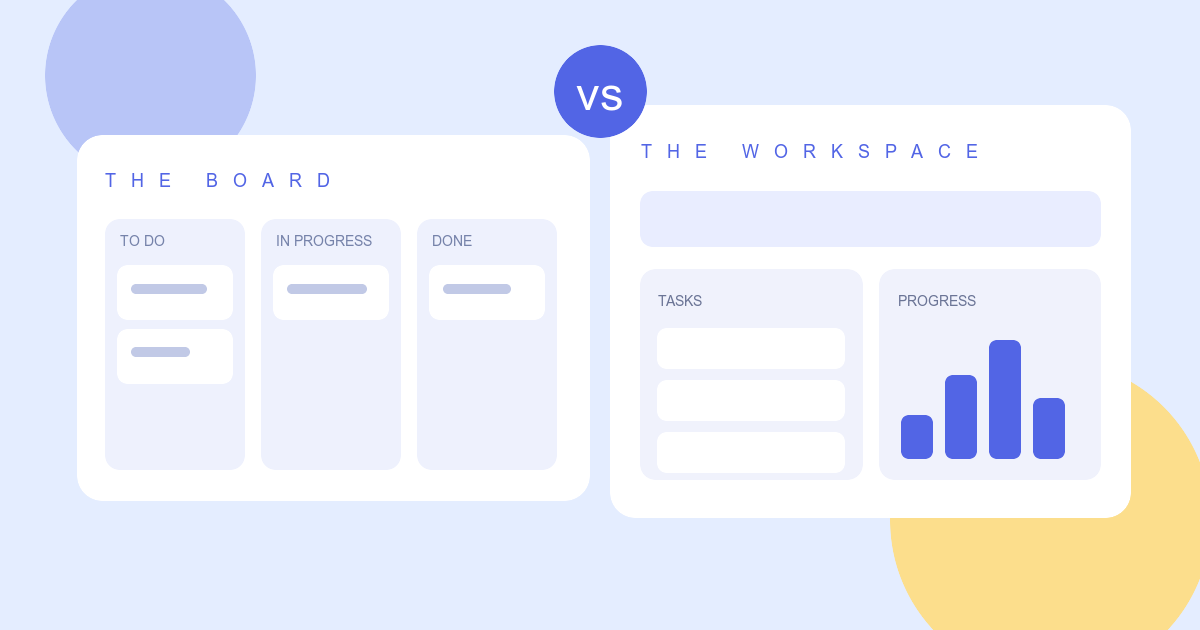
Notion’s project workspace connects pages, databases, tasks, and views. A project can hold its brief, meeting notes, decisions, and task tracker together. You can adjust properties and layouts as the work evolves. That flexibility is valuable for teams whose project structure changes often, but it also means someone needs to design and maintain a usable workspace.
Asana’s project management system starts from work items. Tasks have owners, due dates, comments, and relationships to other tasks. Teams can use list, board, calendar, timeline, and Gantt views over the same underlying work. This is helpful when handoffs and accountability drive the day-to-day routine.
Planning a deadline-driven project
Both products support dependencies and timelines. Notion describes task dependencies in its timeline view; Asana describes dependencies and milestones across timeline and Gantt planning. The difference is less about whether a line can be drawn between tasks and more about how your team uses the plan afterward.
Try the same small project in each tool. Create ten tasks, assign owners, link two blockers, move a deadline, and ask a teammate to find what changed. The easier experience for your team is a stronger signal than a long feature checklist.
Keeping context close to the work
Notion is a natural fit when the project plan depends on research, written decisions, and living documentation. The task tracker can share a workspace with the brief and notes. Asana keeps discussion and files close to tasks, while the project views make progress and responsibility more explicit. If your team already has a trusted documentation home, Asana may fit alongside it. If context is scattered, Notion’s connected pages may solve a larger problem.
Questions to test before choosing
- Can a new teammate find the project brief, current owner, and next milestone without asking someone?
- What happens when a deadline moves or one task blocks another?
- Does the team need one adaptable workspace, or a more prescribed task workflow?
- Which views are available on the plan you would actually buy?
- Who will keep the setup tidy six months from now?
For a hands-on next step, open the Notion profile and Asana profile, then try one real project in both products. Check each vendor’s current pricing and permissions before making a purchase decision.